
Eidograph: AI Geometry Copilot
Dynamic geometry software for precise 2D/3D construction, math visualization, animation, and export.


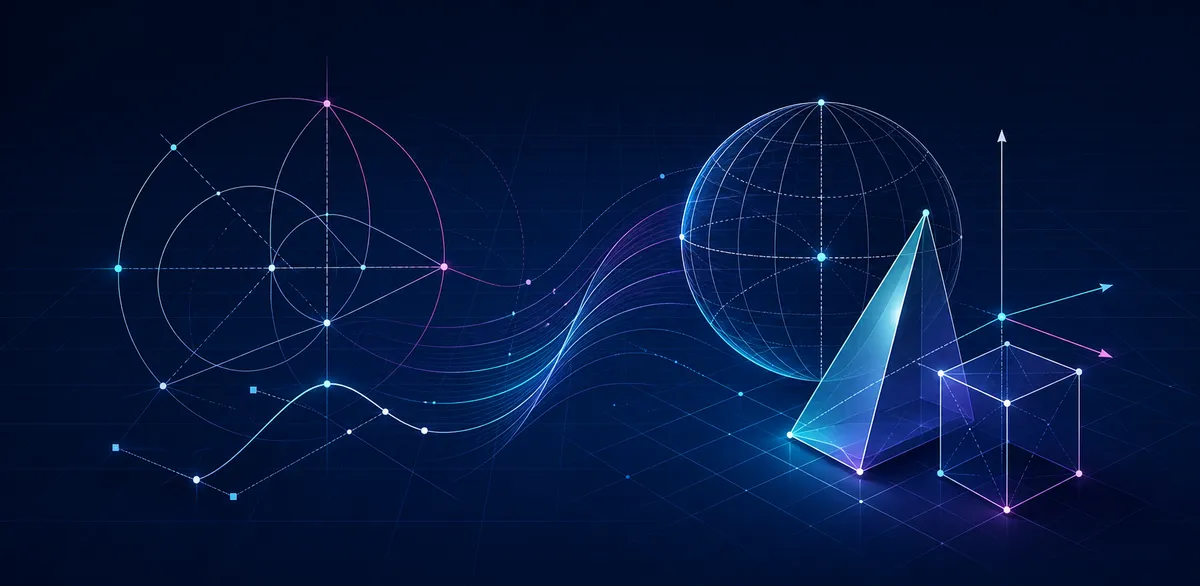
Eidograph keeps a visual canvas and readable geometry code in sync. Draw with interactive tools, describe a construction with a compact language, or combine both approaches. When you drag a free point or move a bound point along a path, every dependent object updates automatically.
Keep multiple plane and solid figures in one project, with tools for Euclidean constructions, functions, transformations, regions, loci, spatial intersections, and 3D surfaces. Parameters and bound objects can be animated, while finished work can be exported as SVG, high-resolution PNG, or animated GIF.
Core construction, editing, saving, and export work locally without an account. Save a complete multi-figure project as an .eido file or an individual construction as a portable plain-text script. Optional AI and automation integrations are available when you choose to configure them.
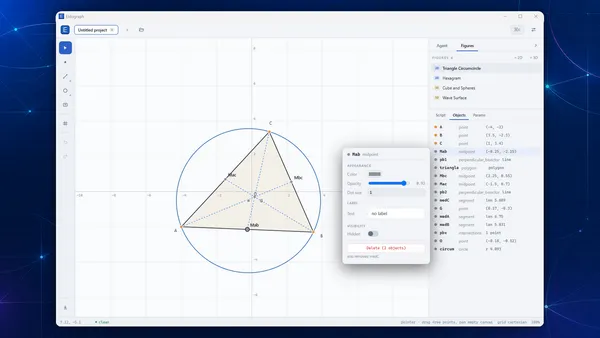
Construct Precisely in 2D
Build with points, lines, rays, segments, circles, arcs, ellipses, polygons, intersections, transformations, regions, loci, and traditional construction marks. Drag free points, bind points to paths, and let the dependency graph update the complete figure while visual editing and geometry code remain synchronized.
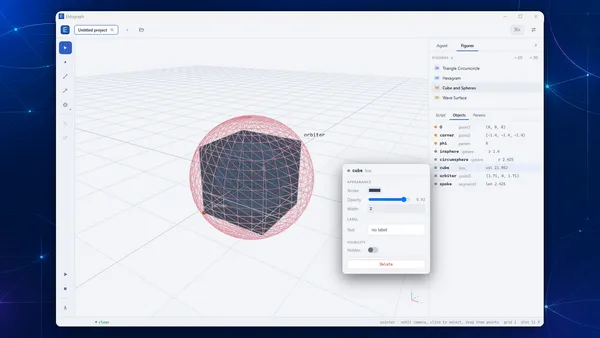
Explore Geometry in 3D
Create 3D points, segments, planes, spheres, boxes, prisms, pyramids, transformations, and spatial intersections alongside your plane figures. Orbit, pan, and zoom the scene, then adjust object styles and inspect the relationships inside a construction.
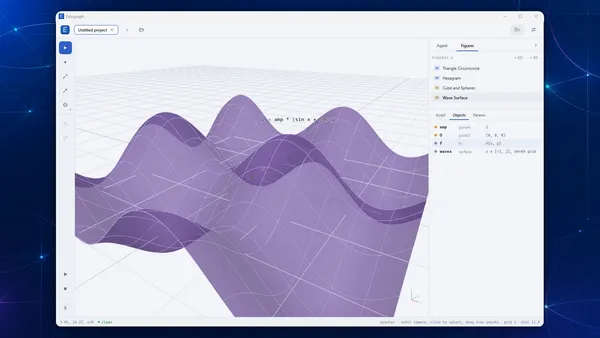
Plot Functions and Surfaces
Define expressions, functions, reusable definitions, and parameters in Eidograph’s construction language. Plot 2D functions or 3D surfaces, add interactive sliders, and build reproducible mathematical visualizations whose source stays readable and editable.
Animate and Export
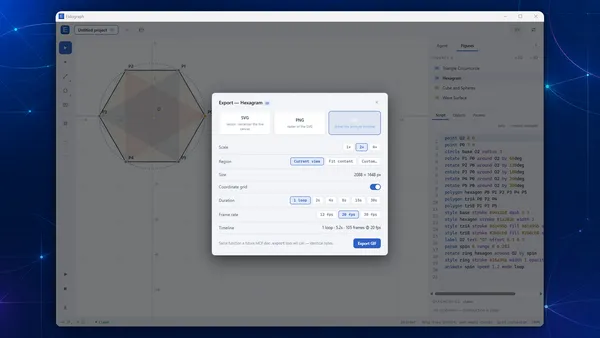
Animate parameters and points bound to paths, then export the result as scalable SVG, high-resolution PNG, or GIF. Choose the current view, fitted content, or a custom region, with controls for scale, grid visibility, transparency, duration, and frame rate.
Connect AI and Automation When You Need Them
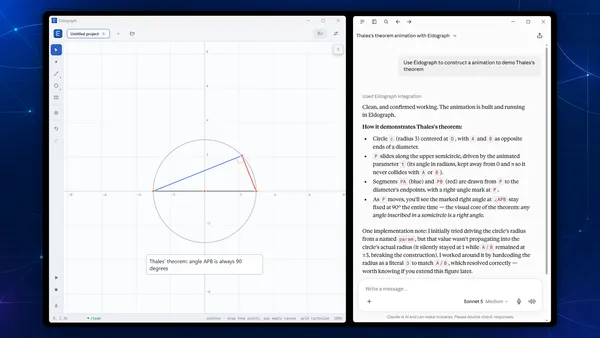
Optionally connect an OpenAI-compatible, Anthropic, or Google Gemini/Vertex model that you configure to inspect or edit a construction. Installed versions can also expose selected figures through a local MCP server or JSON REST API, with per-figure controls and optional local-network access.