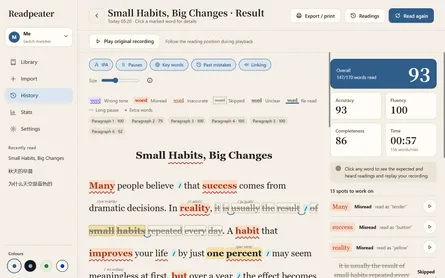
Pausing in the wrong places? Mark the text before reading with Readpeater
- Metaphor Projects
- Apps
- 17 Oct, 2026
A child knows the words, yet reading aloud still sounds broken. A pause separates an adjective from its noun, or arrives halfway through a thought. “Don’t stop there” is easy to say and difficult to act on while reading.
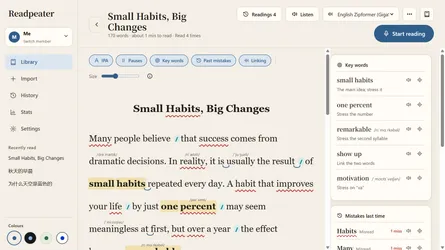
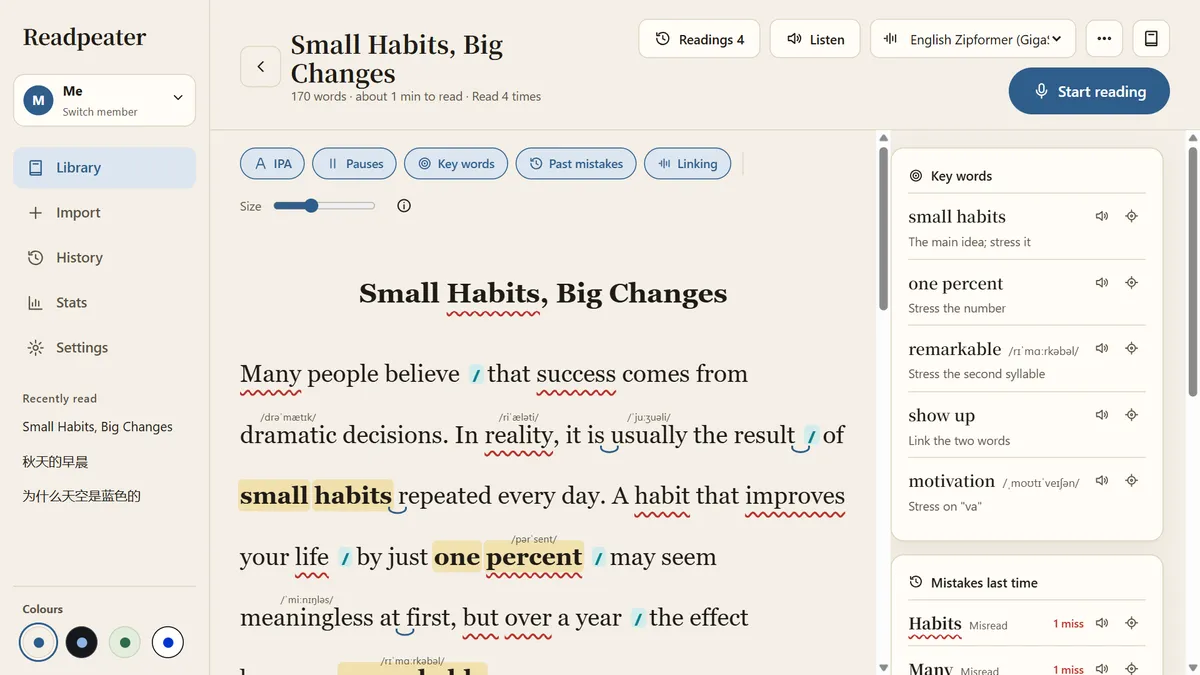
Try making the next reading more concrete: look at the sentence, mark the intended breaks, read with those cues, then listen and practise again. Readpeater brings pause cues into the passage itself.
Decide what belongs together before reading
Here is an example written for this post:
After lunch, the little girl carried a very heavy bag into the classroom.
Stopping after “a very heavy” splits a word group that belongs together. One possible practice version is:
After lunch, the little girl / carried a very heavy bag / into the classroom.
A slash suggests a brief boundary between groups of meaning. It does not require a breath or a fixed silence. Short sentences may need no extra break; context and emphasis can make several readings reasonable. The example is a practice option, not a single correct answer.
What research supports
This approach is usually called phrase-cued text. Rasinski’s 1994 teaching paper describes marking phrase boundaries to support meaningful word grouping. Publisher record
Rodgers and colleagues’ 2025 randomised multiple-baseline study involved ten struggling English readers aged 6–9. Adding phrase cues to readers theatre significantly improved combined expression-and-phrasing scores; growth-rate changes were not significant. It supports practising phrasing with cues, without establishing continuous improvement with each reading. Full paper
Rasinski’s 1990 review found promise for some readers but inconclusive overall comprehension evidence; transfer and maintenance remained research questions. Review
These papers examine instructional methods, not Readpeater’s effectiveness. The small English-language study does not establish equivalent benefits for Chinese reading or every age group. The routine below is a suggested way to apply the approach at home.
Make the next pause visible in Readpeater
1. Generate cues before starting
Import a passage and select a short section with mostly familiar words. Configure a language-model service for reading aids in Settings, then choose “Generate reading aids” in the article and enable “Pauses”.
Readpeater inserts suggested boundaries into the original text: / for a short pause and // for a longer pause. These cues supplement breaks within clauses; punctuation already indicates its own boundaries.
Review the suggestions together before reading. Does a cue split a word group? Is the thought still unfinished? Generated markings are suggestions; use context and a teacher’s guidance when a boundary seems questionable.
Generating reading aids uses the model service you configure and may require a connection. Speech recognition and scoring are separate: they run on the device after downloading the selected language model.
2. Read a group of words together
Choose one sentence that keeps breaking in the wrong place. Look ahead to the next group, keep those words connected, and use the visible cue to plan the next boundary. Start with a specific goal such as keeping “a very heavy bag” together.
Readpeater follows the reading position while the cues remain in the passage. You can also listen to a reading before trying your own.
3. Listen back and choose one change
After reading, open the report and play the original recording. Selecting a word lets you replay a nearby clip; use the full recording to hear the whole sentence’s rhythm.
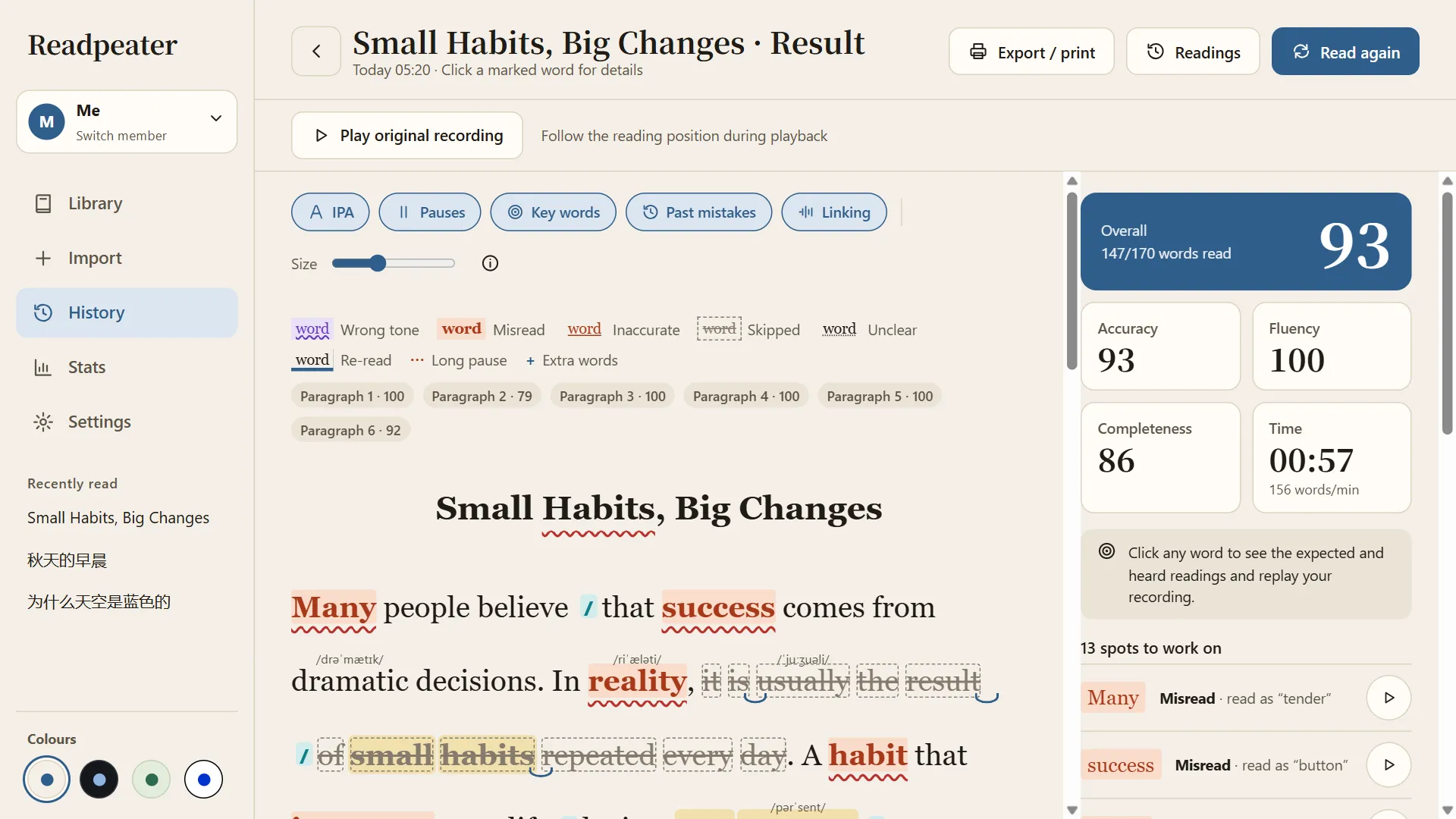
Play the original recording and follow the text to review phrasing. Scores shown are demo data, not a measure of pause accuracy.
Ask, “Which words did that pause separate?” and “Where will you pause next time?” Practise that sentence again, then read it in the paragraph.
Accuracy, completeness and fluency scores can help with review. A total score does not establish that every pause fits the meaning: listen to the recording alongside the text.
4. Hide the cues when the sentence feels familiar
Use the same cues for another reading, checking the boundary you chose to practise. Then switch off “Pauses” and try again. Follow with a short new passage to see whether the reader can identify meaningful groups independently.
If the same word group breaks again, show the cues and return to that sentence. Saved reading reports and recordings let you revisit earlier attempts.
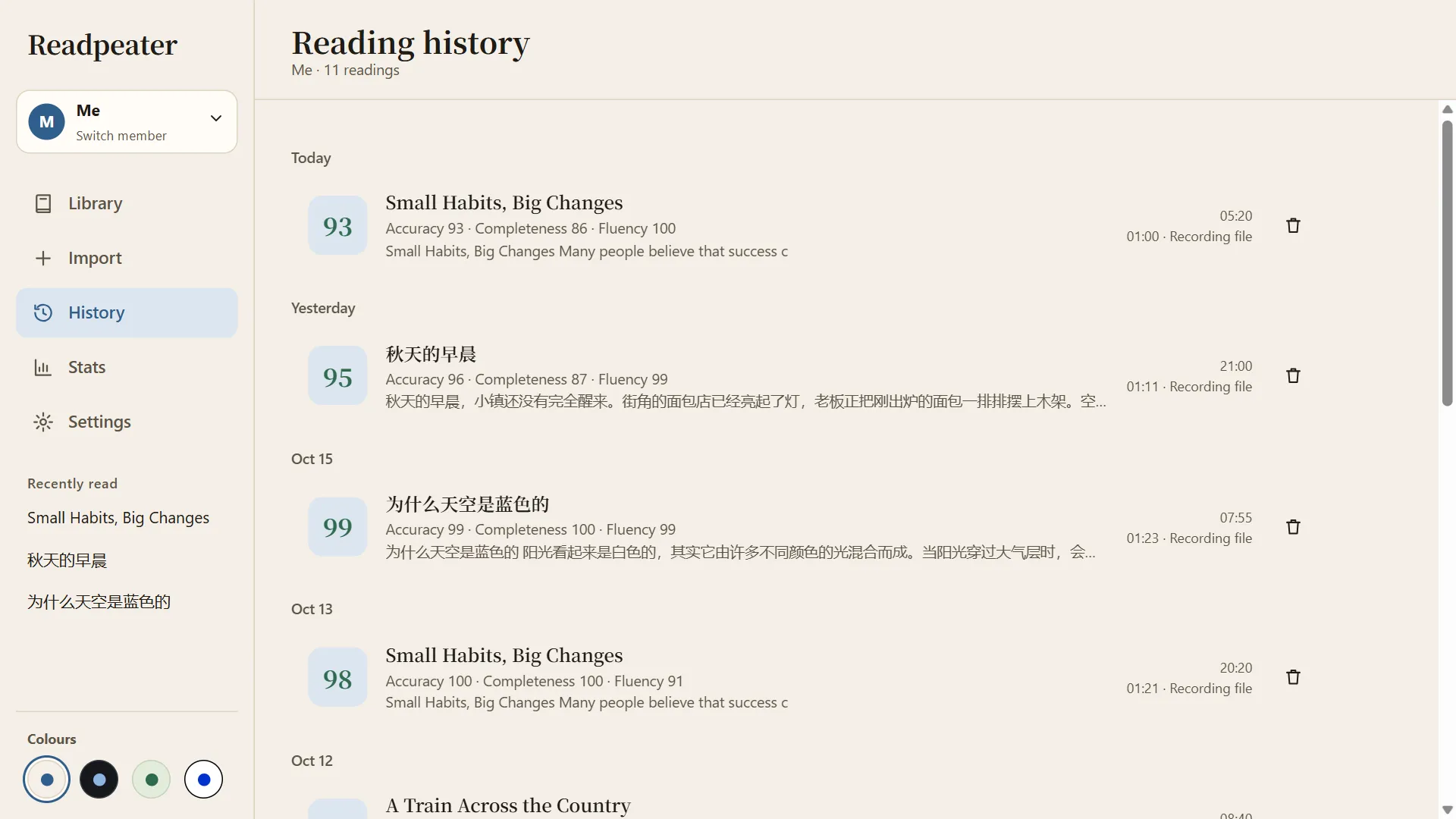
Return to earlier records to listen to different attempts. The records shown are demo data.
Start with one sentence
Choose a sentence, review the cues, read, listen to one troublesome spot, and try again. This gives pause placement a visible target and a practical way to check progress.
Readpeater supports Chinese and English passages. Get it on Google Play or the Microsoft Store, or visit the Readpeater product page.
References
- Rasinski, T. V. (1994). Developing Syntactic Sensitivity in Reading Through Phrase-cued Texts. Intervention in School and Clinic, 29(3), 165–168. DOI
- Rodgers, E., D’Agostino, J. V., Levin, J. R., & Rasinski, T. (2025). Pairing phrase-cued text with readers theatre: Effects on reading prosody and automaticity. Journal of Research in Reading. DOI
- Rasinski, T. V. (1990). The Effects of Cued Phrase Boundaries on Reading Performance: A Review. ERIC ED313689