Every Eidograph Example Now Plays in Your Browser
- Metaphor Projects
- Application
- 10 Sep, 2026
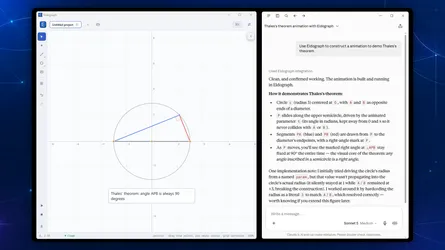
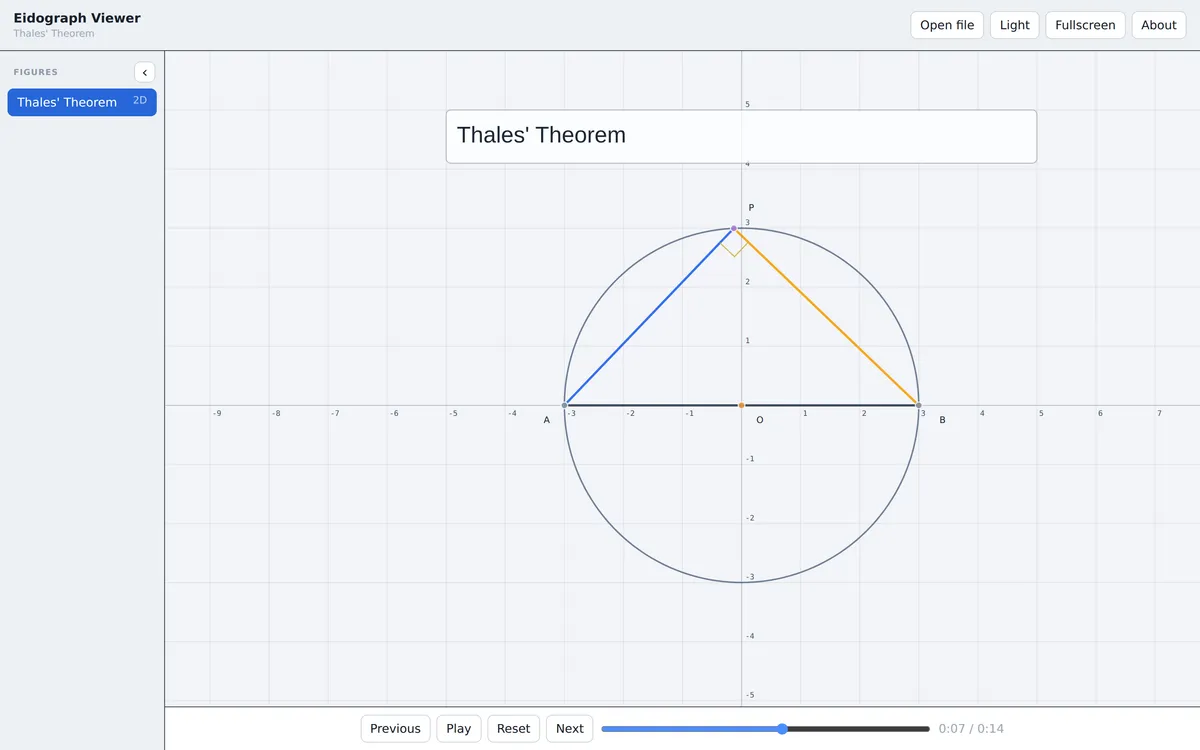
The Eidograph documentation now has a full library of ready-made geometry projects, and none of them require an install to look at. Every example carries a View in Viewer link that opens the project in Eidograph Viewer, a read-only version of the Eidograph canvas that runs in the browser.
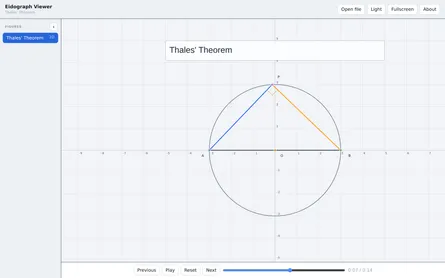
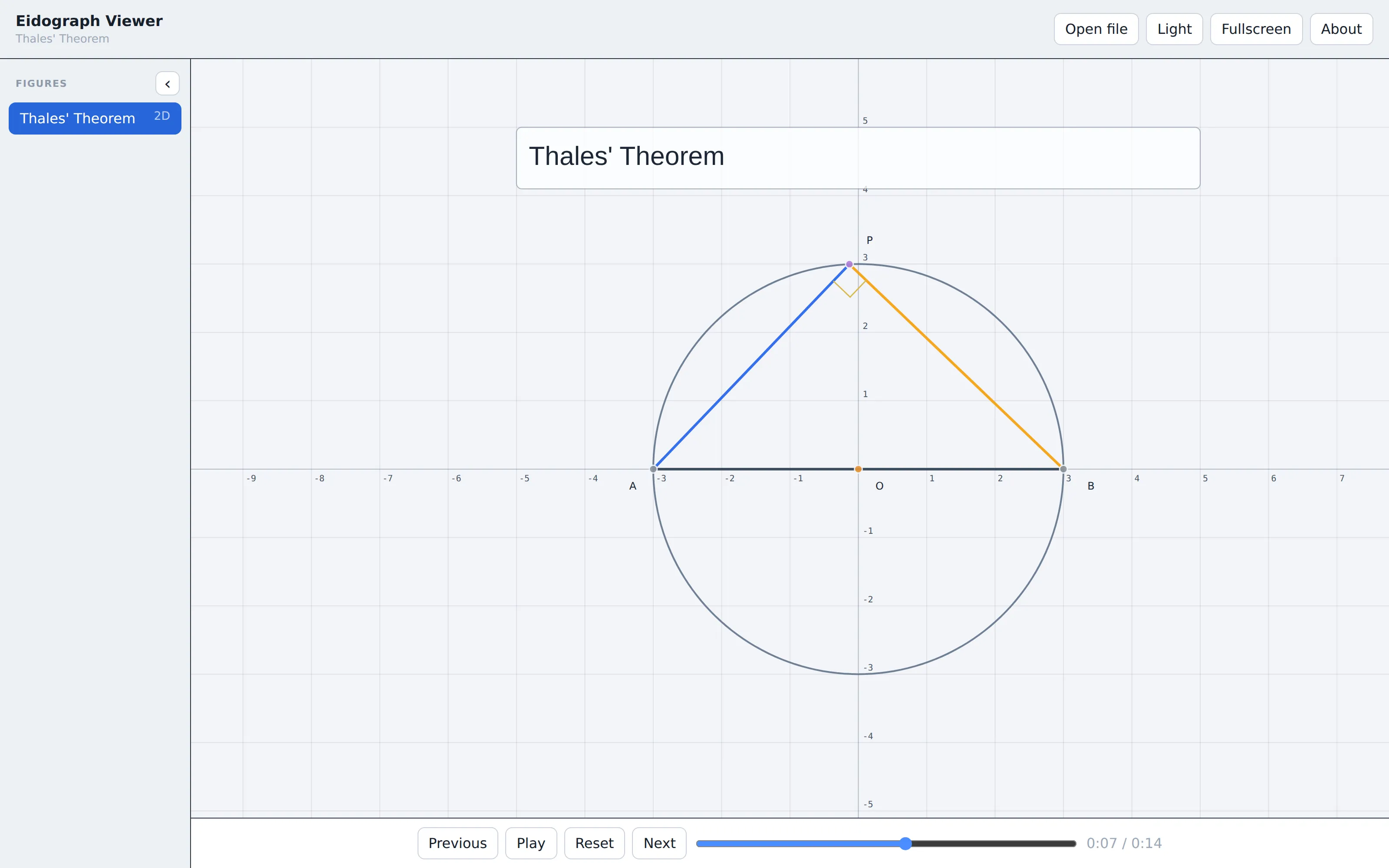
Open Thales’ theorem and press Play to see what that means.
What is in the library
The examples split into two pages of the documentation site.
- Basic holds four starter projects: a parametrized square with midpoints, a solid geometry tour of cylinders and cones, a stella octangula, and a sampled surface for
z = sin(x) + cos(y). Each one is short enough to read end to end. - Animations holds 28 standalone projects, 24 plane and 4 solid, each demonstrating a single geometric result on a timeline.
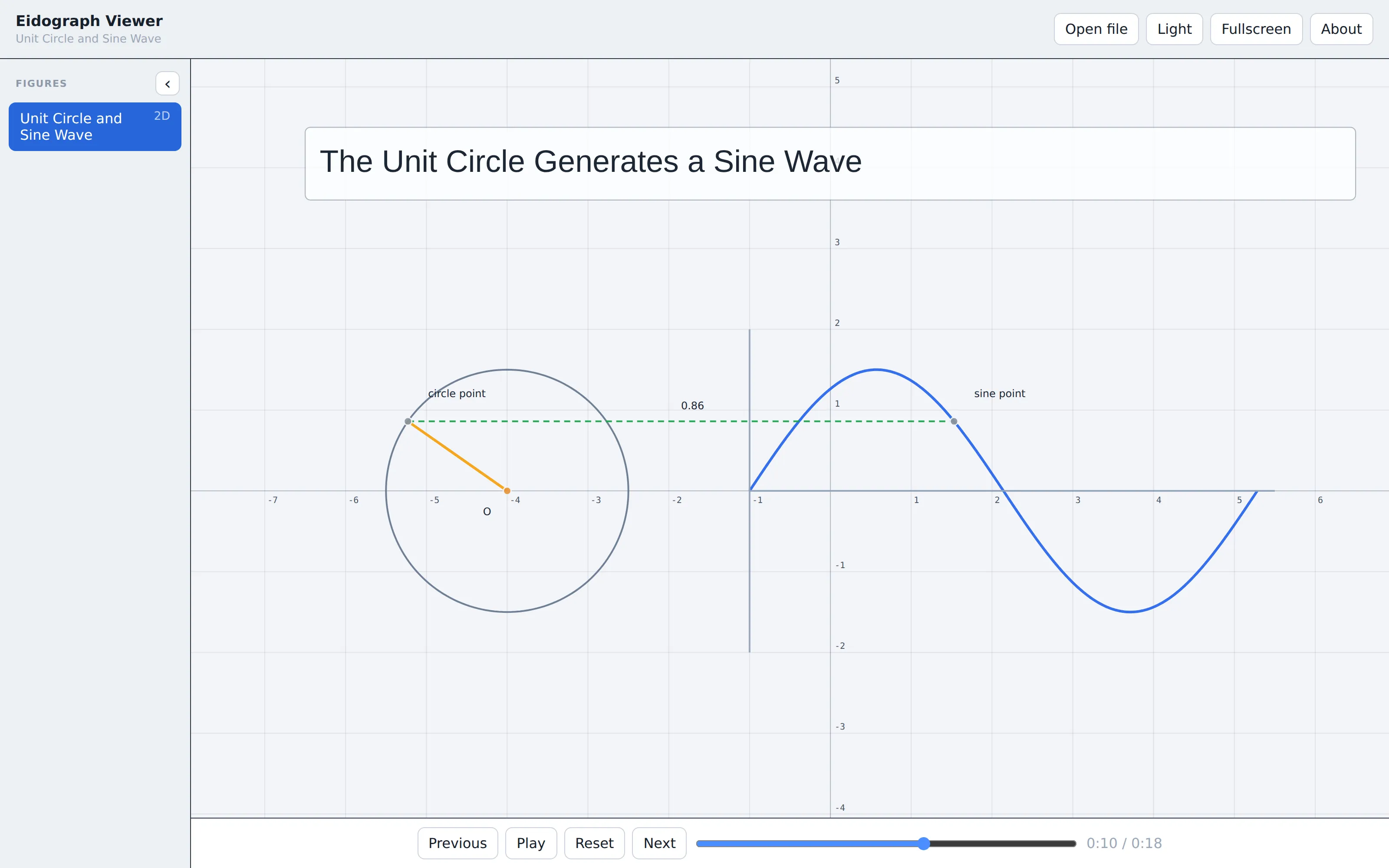
The animation set covers the classical curriculum. Circle results include the inscribed angle theorem, the perpendicular chord bisector, the power of a point, Ptolemy’s theorem, and the right angle between a radius and a tangent. Triangle results include the centroid, the circumcenter, the angle sum, and a rearrangement proof of the Pythagorean theorem. Transformations cover homothety, rotation as a rigid motion, circle inversion, and the reflected shortest path. Conics cover the focal definition of an ellipse and the focus-directrix definition of a parabola. Mechanisms cover a pantograph linkage and a cycloid traced by a rolling circle.
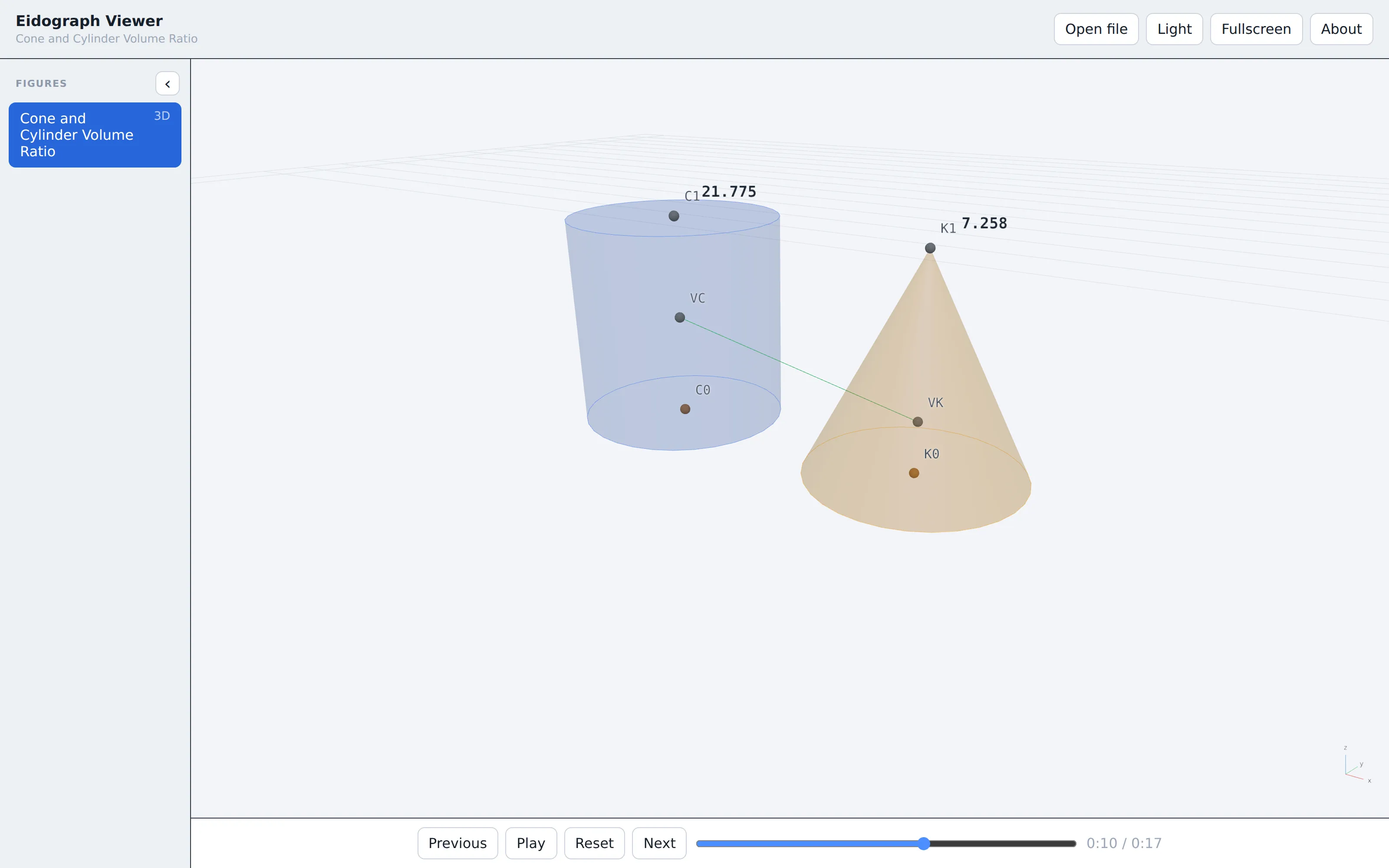
The solid examples go further: the space diagonal of a cuboid, the circle where two spheres intersect, two interpenetrating tetrahedra, and the 3:1 volume ratio of a cylinder and a cone.
Why the viewer matters
An exported image shows one frame. A video plays back at a fixed pace. Neither lets you stop on the frame you actually want to talk about.
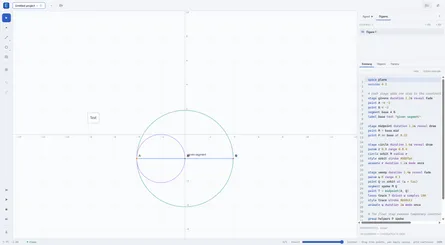
Eidograph Viewer plays the real project. It compiles the same Eidolang source the app uses, renders the same geometry, and gives you a timeline you can scrub. You can step between presentation stages, pause on a construction step, pan and zoom a plane figure, or orbit a solid one. A project with several figures shows them in a sidebar you can switch between.
Because the geometry is evaluated rather than replayed, the live measurements stay honest. In the cylinder and cone example, the two volume labels are computed on every frame and stay in a 3:1 ratio as the shared radius grows. The assertions written into these projects run the same way.
Sharing a construction
The viewer accepts a package over a URL, which makes any example a link you can hand to someone. That is what the documentation links are: the viewer address plus a src parameter pointing at the .eido file.
The same works for your own projects. Put an .eido file anywhere that serves it with permissive CORS headers, then append it as src. A student, a reviewer, or a forum reader opens the link and sees the construction play. You can also drop a local .eido file straight onto the viewer window, which is the quickest way to check a file someone sent you.
The viewer is deliberately limited. It reads and plays; it does not edit, save, or sign anyone in. That boundary is what lets it stay a plain link.
From viewing to building
When you want to change something, download the .eido file from the same documentation section and open it in Eidograph. Every example ships with editable Eidolang source, so you can drag a free point, move a parameter slider, rewrite a literal, or take one construction apart to understand how it was built. Save As keeps your own copy.
That is the intended path through the library. Follow a link to see whether an example does what you need, then install the app when you want to make it yours.
Browse the basic examples and the animated examples, then get Eidograph on Google Play or download it from the Microsoft Store.