Eidograph Is Now Available on Android
- Metaphor Projects
- Application
- 07 Sep, 2026
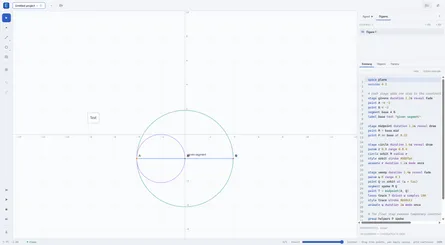
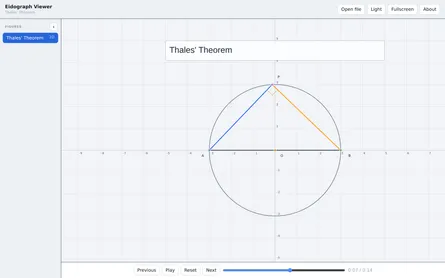
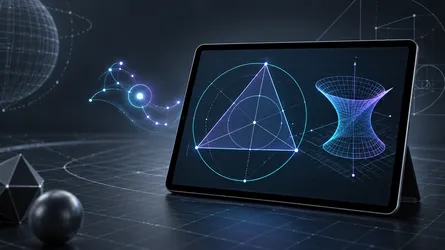
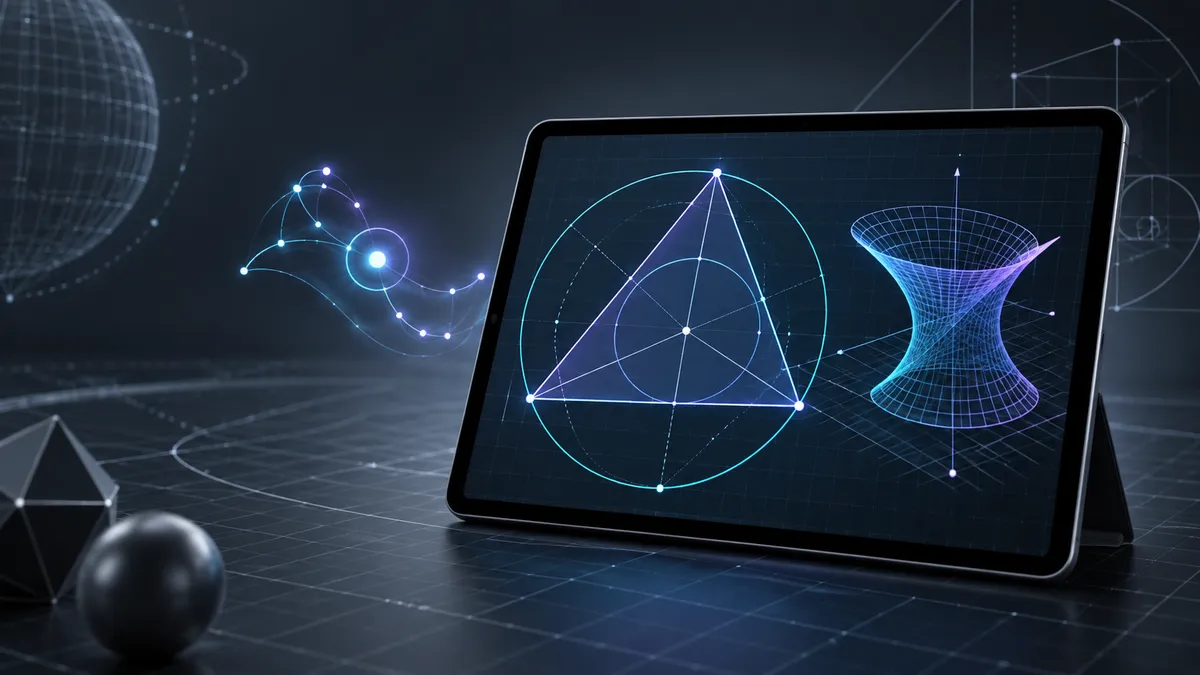
Eidograph is now available on Android. It brings the same dynamic 2D and 3D geometry workspace to phones and tablets: construct directly on the canvas, write an Eidolang script, or move between both views of the same figure.
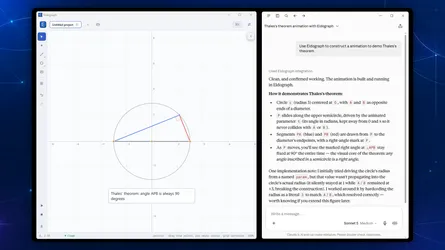
The Android release is especially useful when a geometry task begins as a question rather than a diagram. Eidograph includes an in-app Agent that can work with the construction alongside you, leaving the result as editable geometry instead of a one-off image.
An agent that works with the construction
Eidograph’s canvas and script stay in sync. A point, circle, transformation, function, region, or 3D surface is represented in a readable construction language, while the canvas renders and lets you manipulate that same source.
That gives an agent useful state to work with. It can inspect the active construction, create or revise geometry, check evaluated objects and compiler diagnostics, and export a finished SVG or PNG. When you drag an editable point afterward, its dependent objects still update normally because the agent created relationships—not pixels.
The in-app Agent on Android connects to a model provider you configure, including OpenAI-compatible services, Anthropic, and Google Gemini or Vertex AI. With a vision-capable model, you can attach a photo of a textbook problem or a sketch, then follow the tool calls as the construction takes shape.
Visible, checkable edits
Agent assistance should not turn a geometry project into a black box. Eidograph compiles proposed construction changes before applying them. If a command is invalid or would be skipped, the current figure remains intact and the agent receives diagnostics it can use to correct the next attempt.
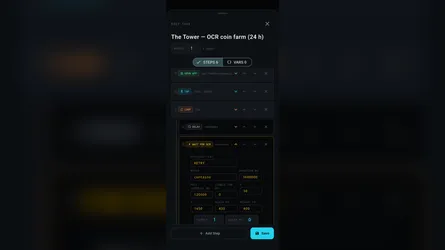
Accepted edits appear on the canvas and become ordinary undo steps. You can continue by hand, edit the script, adjust a parameter, animate a point, or save the project as an .eido file. The construction stays readable and reproducible whether it began with touch input, code, or an agent prompt.
Connect larger workflows through MCP or REST
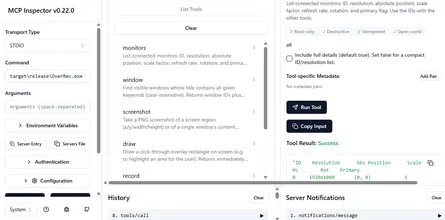
For desktop workflows, Eidograph can also expose selected figures through a local MCP Streamable HTTP server or JSON REST API. This lets an MCP-compatible coding or desktop agent work with the same geometry model instead of attempting to automate a graphical interface.
An external agent can discover the available tools and language references, inspect an exposed figure, make a small revision, read diagnostics, and request an export. Access is explicit: the local server is off by default, uses loopback by default, and lets you choose which tools and figures are available.
Whether you use the Agent on an Android tablet or connect a desktop automation through MCP or REST, the principle is the same: build exact geometry that you can inspect, modify, and reuse.
Download Eidograph for Android on Google Play, or visit the Eidograph product page to learn more.